7 Free AI Tools That Run on Your Laptop
Stop paying for ChatGPT. These seven free, open-source tools run on your own laptop or your company's server, so your work data stays with you instead of going to the cloud.
Work-Safe tip: check with your IT team before installing anything on a work laptop. Local AI keeps data in-house, but your company's rules still apply.
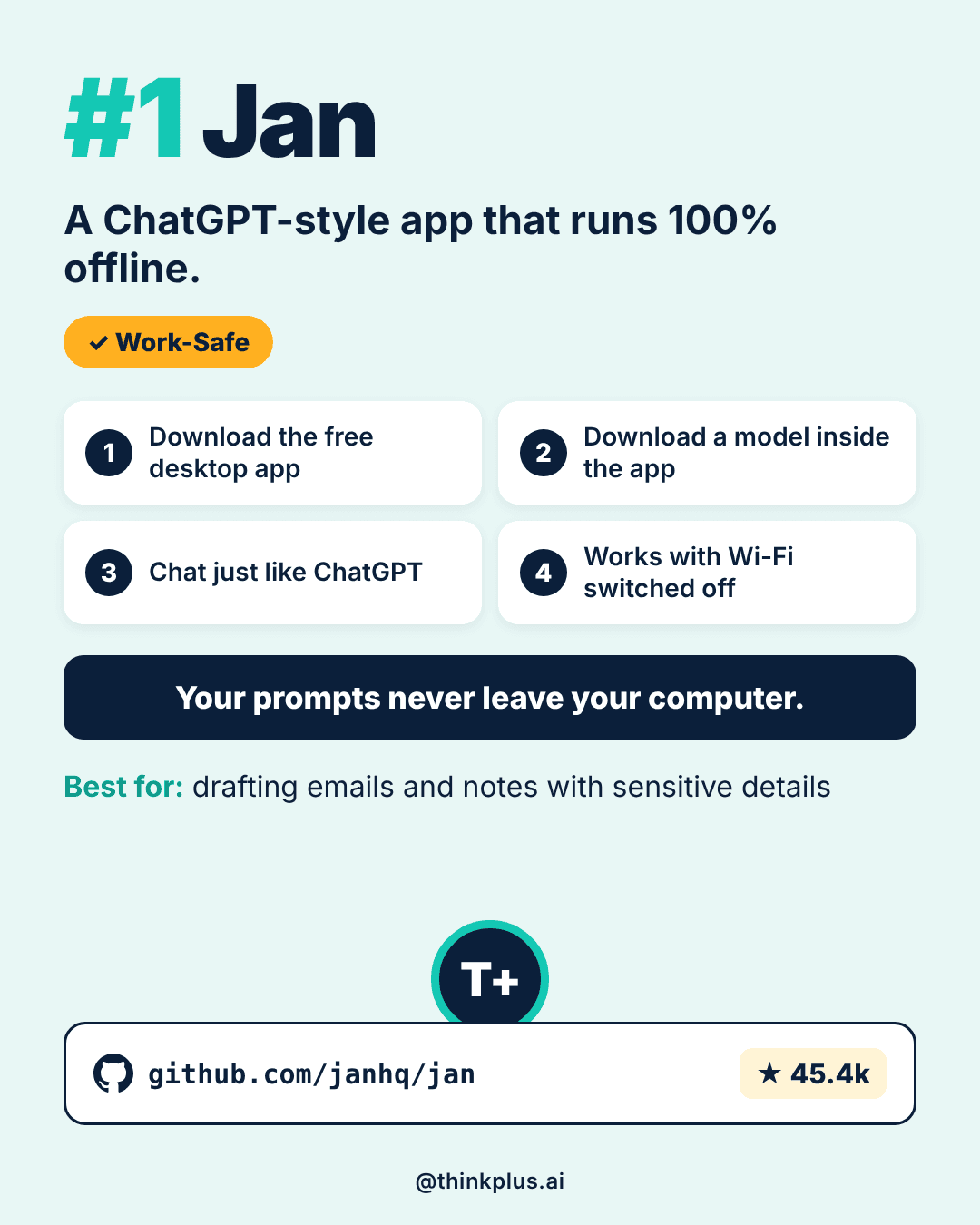
1. Jan
A ChatGPT-style desktop app that runs 100% offline on your computer.
Best for: Drafting emails and notes that contain sensitive details.
- Download the free desktop app
- Download a model inside the app
- Chat just like ChatGPT
- It keeps working with Wi-Fi switched off
github.com/janhq/jan · ★ 45.4k stars
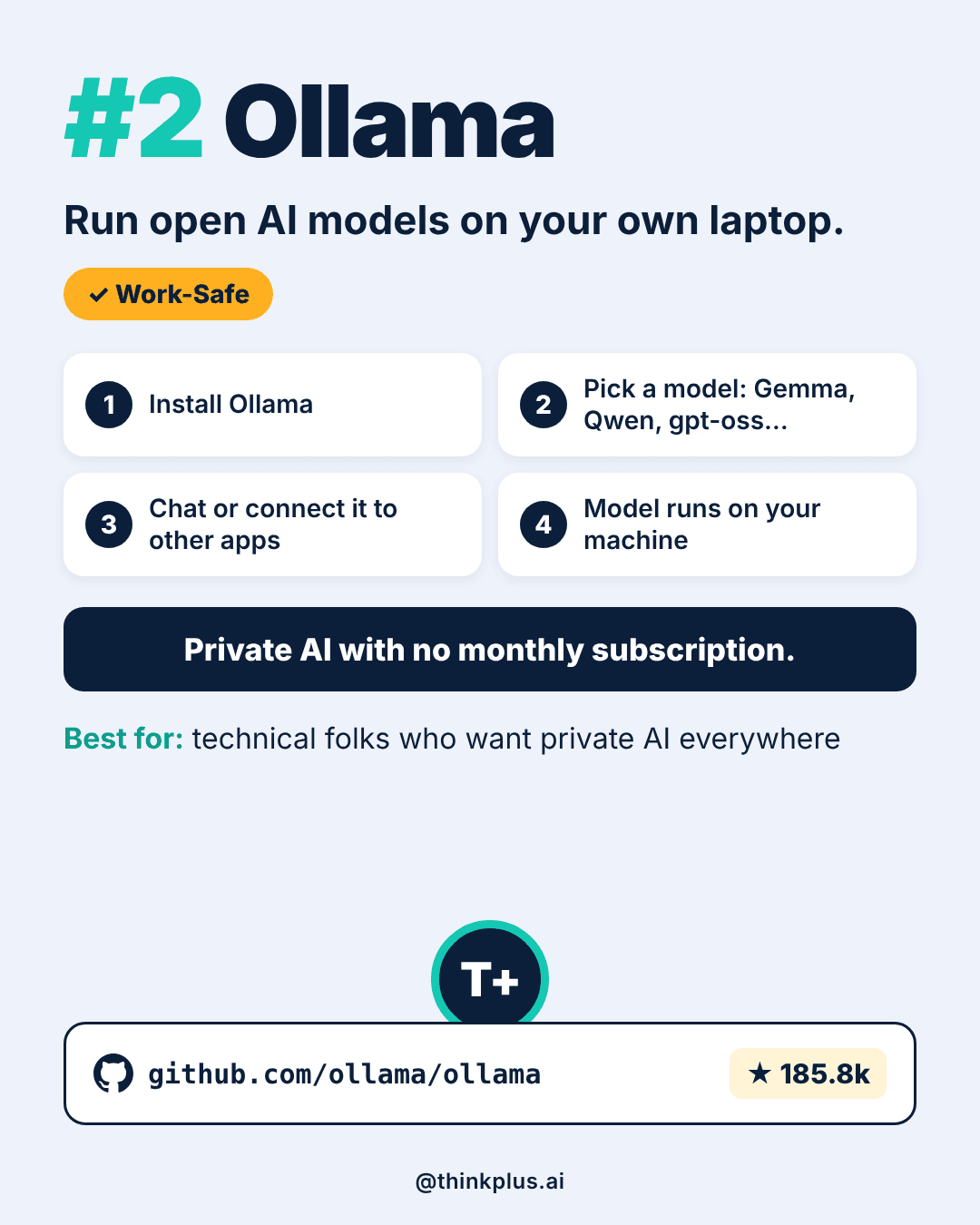
2. Ollama
Runs open AI models (such as Gemma, Qwen and gpt-oss) on your own laptop.
Best for: Technical users who want private AI they can plug into other apps.
- Install Ollama
- Pick a model
- Chat, or connect it to other apps
- The model runs on your machine
github.com/ollama/ollama · ★ 185.8k stars
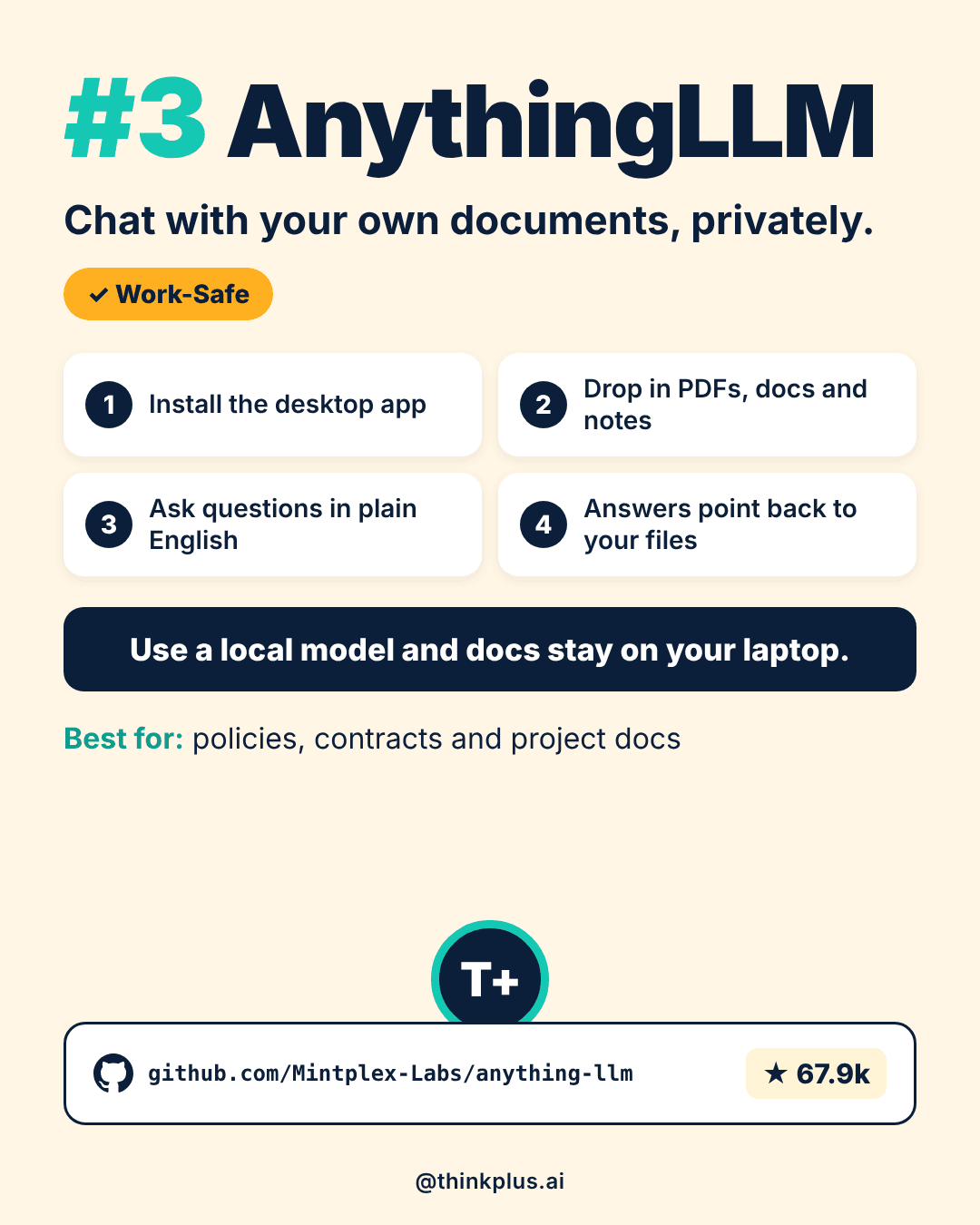
3. AnythingLLM
Lets you chat with your own documents, with answers that point back to your files.
Best for: Policies, contracts and project documents.
- Install the desktop app
- Add your PDFs, docs and notes
- Ask questions in plain English
- Check the answer against the cited file
Choose a local model so your documents never leave your laptop.
github.com/Mintplex-Labs/anything-llm · ★ 67.9k stars
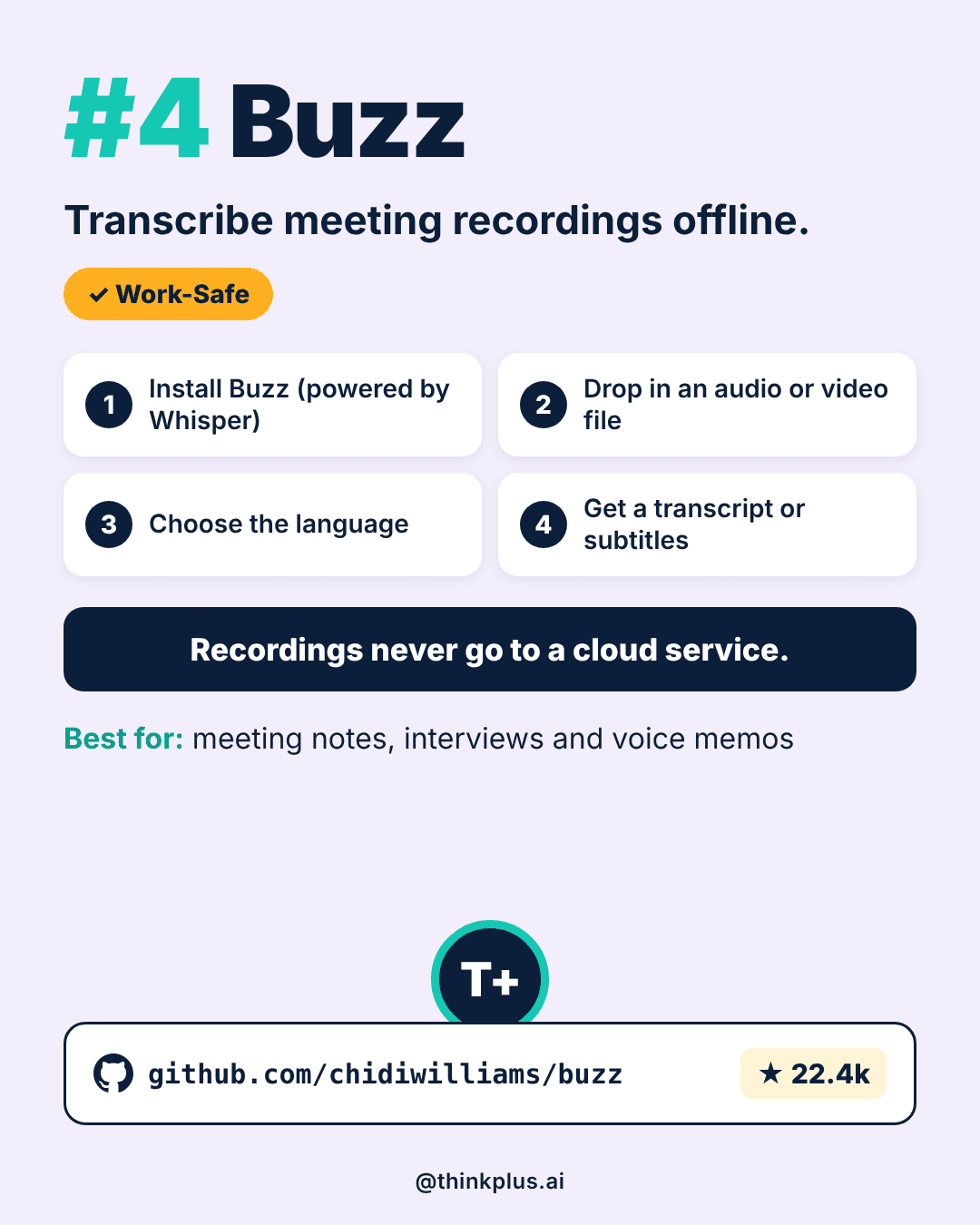
4. Buzz
Transcribes and translates audio offline, powered by OpenAI's Whisper.
Best for: Meeting recordings, interviews and voice memos.
- Install Buzz
- Drop in an audio or video file
- Choose the language
- Export a transcript or subtitles
Always get consent before recording a meeting.
github.com/chidiwilliams/buzz · ★ 22.4k stars
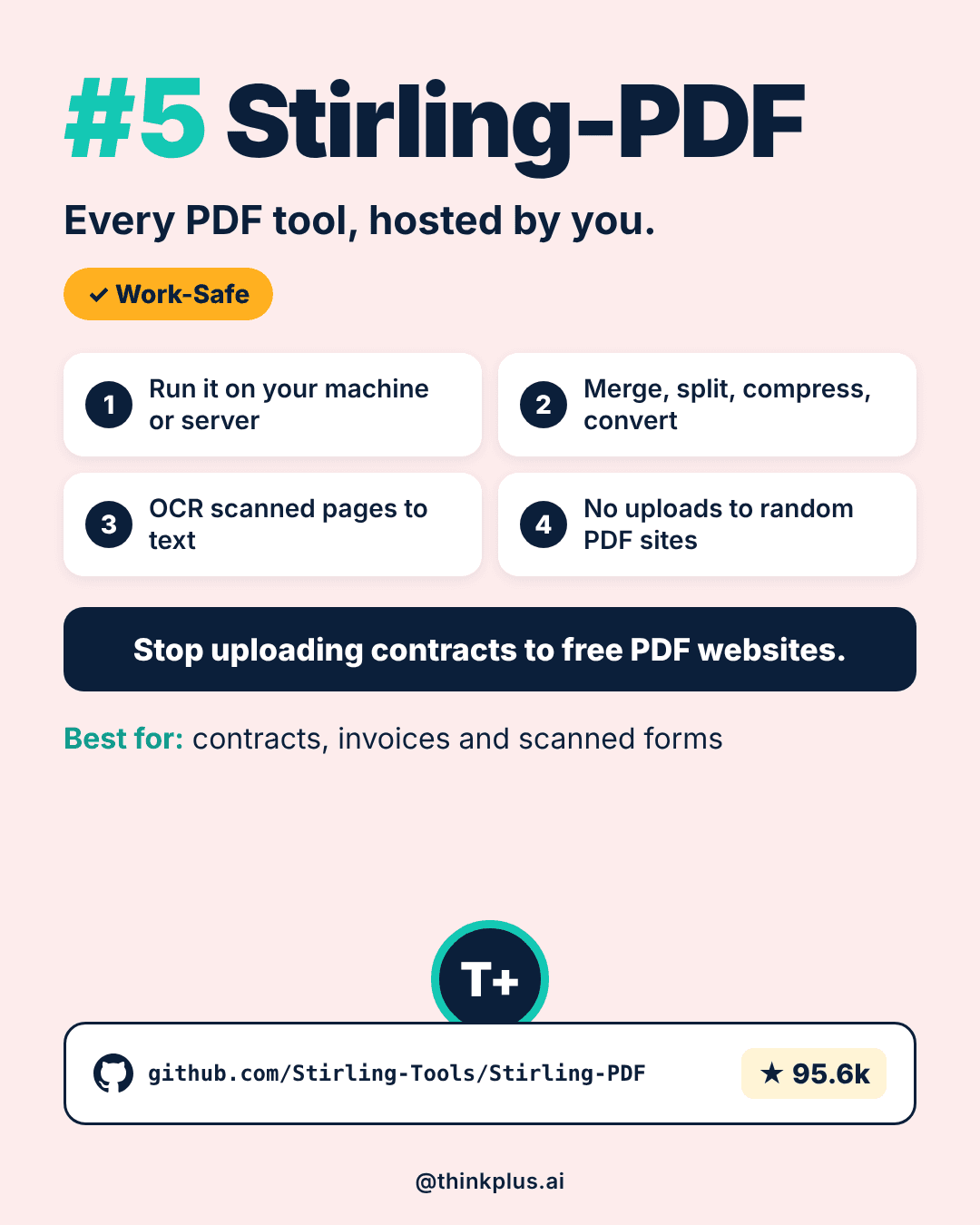
5. Stirling-PDF
A full PDF toolkit you host yourself: merge, split, compress, convert and OCR.
Best for: Contracts, invoices and scanned forms you shouldn't upload to free PDF websites.
- Run it on your machine or a server
- Merge, split, compress or convert
- Turn scanned pages into text
- Nothing goes to a third-party site
github.com/Stirling-Tools/Stirling-PDF · ★ 95.6k stars
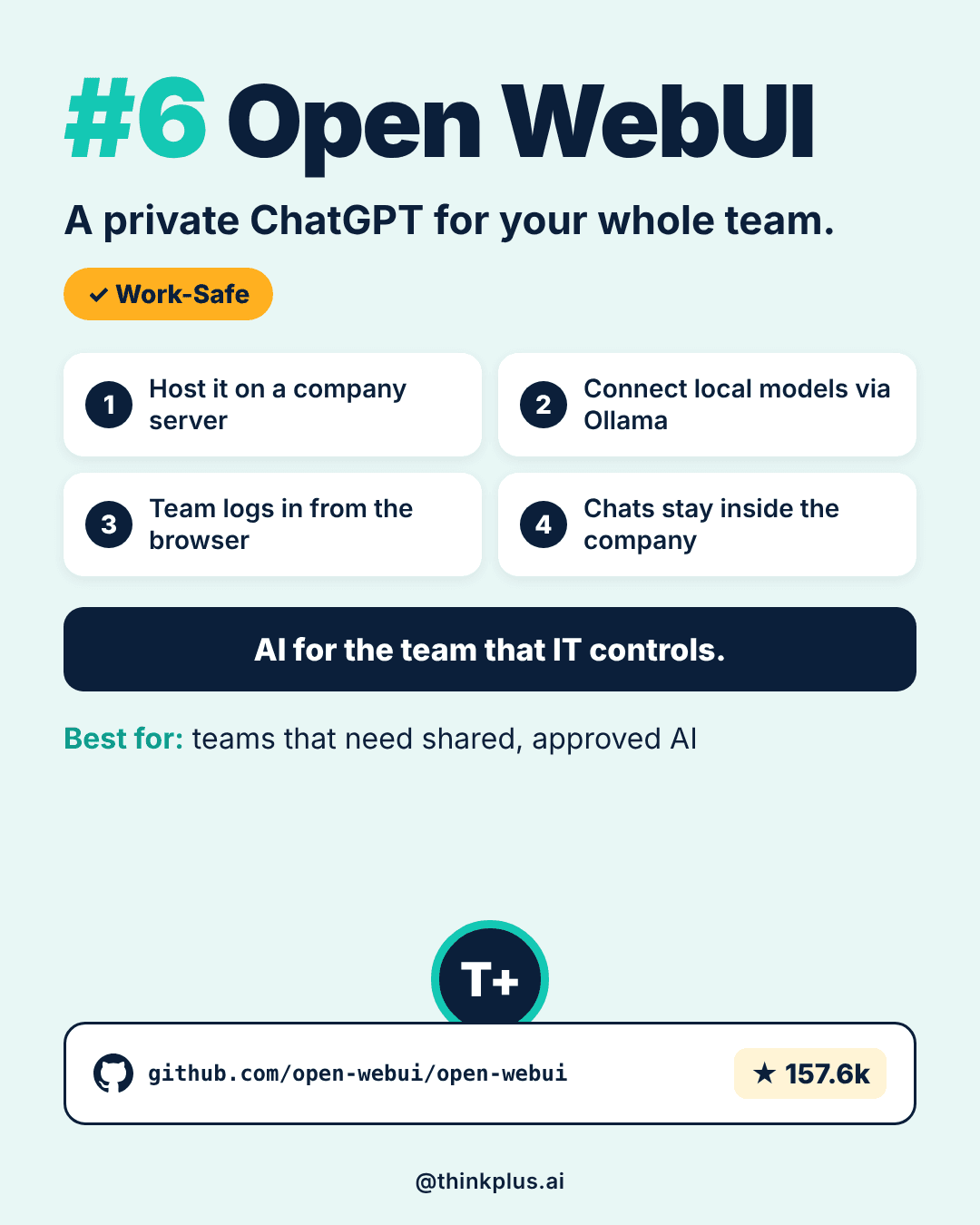
6. Open WebUI
A ChatGPT-like web interface your IT team can host for everyone, connected to local models.
Best for: Teams that need shared, approved AI.
- Host it on a company server
- Connect local models through Ollama
- People log in from their browser
- Chats stay inside the company
github.com/open-webui/open-webui · ★ 157.6k stars
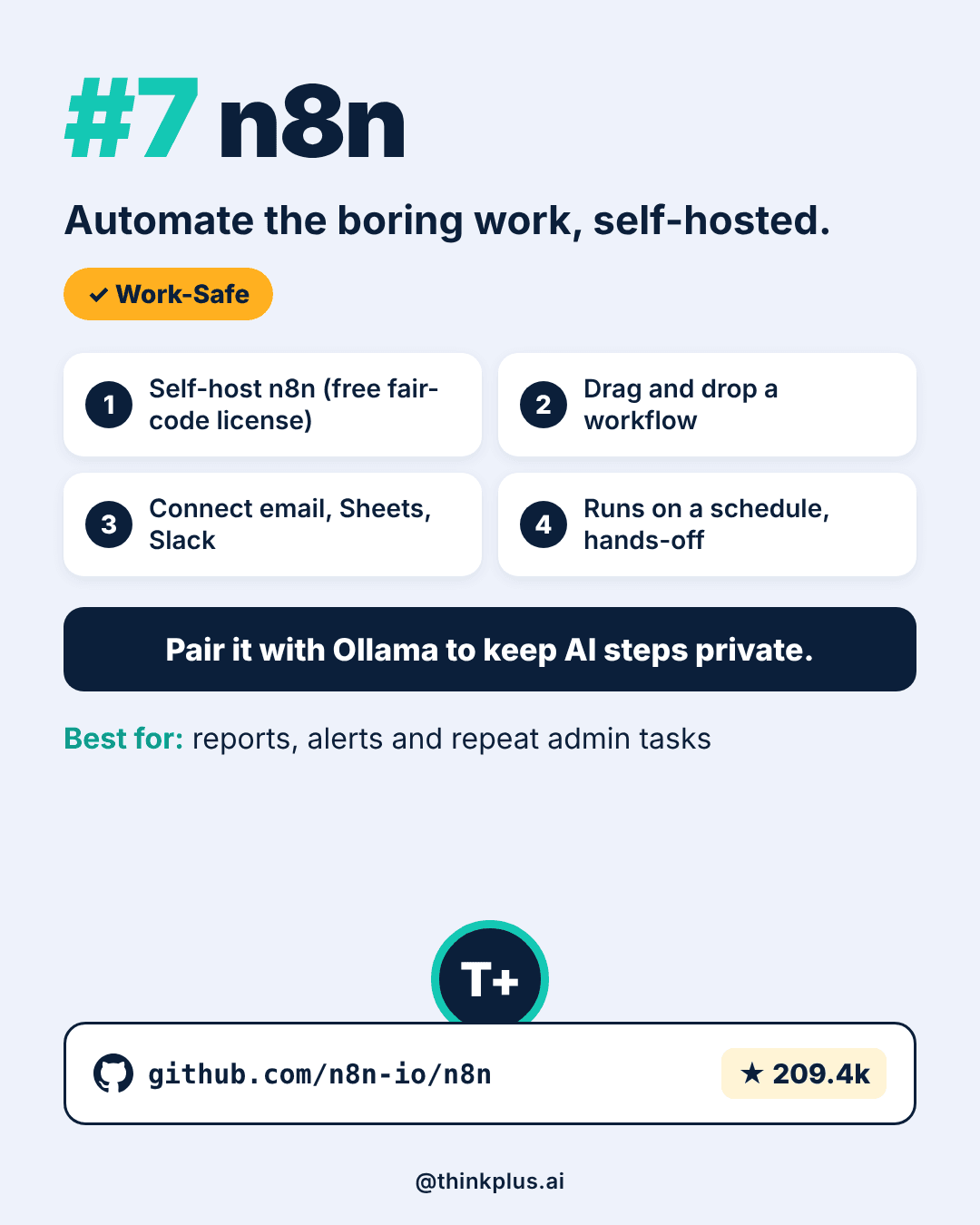
7. n8n
A workflow automation platform you can host yourself, with built-in AI steps.
Best for: Reports, alerts and repeat admin tasks.
- Self-host n8n
- Build a workflow by drag and drop
- Connect email, Sheets or Slack
- Let it run on a schedule
n8n is free to self-host under its fair-code Sustainable Use License. Pair it with Ollama to keep AI steps private.
github.com/n8n-io/n8n · ★ 209.4k stars
How to try them safely
- Start with Jan or Buzz: both are desktop apps that need no setup beyond installing.
- Use invented sample data for your first tests, not real company files.
- Ask IT before installing on a work laptop, and before hosting anything on a company server.
Star counts were checked on each GitHub page on 3 November 2026. For more practical AI for work, follow @thinkplus.ai or read today's AI news.